Connect Meta Ads once
Log in with your Meta account and pick the ad accounts you want. Add Google Ads, TikTok, or LinkedIn later if you want them in the same report.
Describe the report you want, and Lemonado builds it from your live Meta Ads data. Share it by link, and it stays up to date on its own.













Here's last week's Meta Ads performance report.
Meta Ads performance · Week 33
Live data$48.2k
Spend
3.8x
ROAS
$24
CPA
Conversions up 14% week over week. Prospecting CPA fell after Monday's budget shift.
Describe a task, ask a question, or type / for skills...
A Facebook ads reporting tool takes the numbers in your Meta ad account and turns them into a report someone can read. That means spend, results, cost per result, ROAS, and which campaigns and ads did the work. The point is to stop exporting from Ads Manager and rebuilding the same tables every week.
With Lemonado, you don't pick a template or drag charts around. You write what the report should show, the way you'd ask a teammate. Lemonado builds it in Studio from your live Meta data in about 2 minutes, and the numbers refresh on their own after that.
Log in with your Meta account and pick the ad accounts you want. Add Google Ads, TikTok, or LinkedIn later if you want them in the same report.
For example: "Last week's Meta results by campaign, with spend, purchases, CPA, ROAS, and the top 5 ads." Lemonado builds it from live data.
Send a link that stays current, or have a Routine send it to Slack or email every Monday morning.
From hours to 10 minutes.
What used to take me an hour or two, building reports and pulling together weekly insights, now takes around 10 minutes. Hours back in my week for strategy instead of data wrangling.
The CEO had no clue why they'd had a record-breaking month.
I went into Lemonado, typed a prompt, and had his answer in 5 minutes. Facebook, Google, seasonality, year-over-year, a two-month forecast. Before Lemonado, that's three hours of digging.
The whole team uses Lemonado
Lemonado is wildly loved and adopted at Nofence. It powers our Claude, runs our reporting (no more Looker) and everyone from the board to marketing team rely on it.
Like having an extra colleague.
As a performance marketing agency, we save time and raise the quality of our work by running it through Lemonado. It's almost like an extra colleague, keeping tabs on budgets and results.









Ads Manager has the numbers, but turning them into a report a client or boss can read still takes an afternoon.
You set up the columns, export, and clean it up in a sheet. Most clients won't log in to Ads Manager, so you rebuild the report every week.
You pay for a connector, build every chart yourself, and fix it when a field changes or the data stops loading.
Templates look fine until a client asks for something new. Then you're back to building it by hand.
Lemonado already has your Meta data. You describe the report, it builds it, and it keeps the numbers current. When someone asks for a change, you ask for it in plain words.
Try for freeDescribe the report, send it every Monday, and give each client one link that stays up to date.
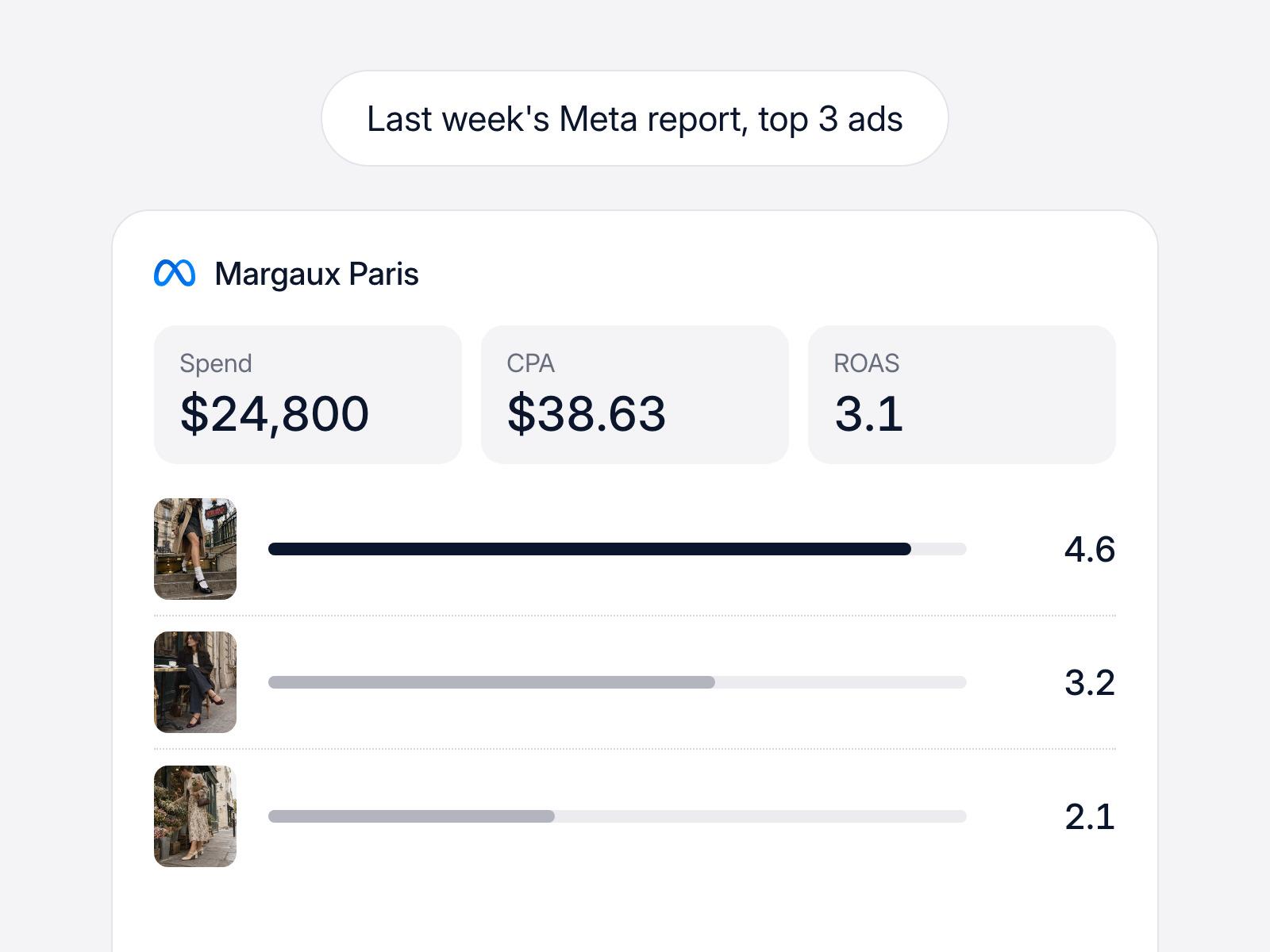
Write one line, like "Last week's Meta results with spend, CPA, ROAS, and the top 3 ads." Lemonado builds the report in Studio in about 2 minutes.
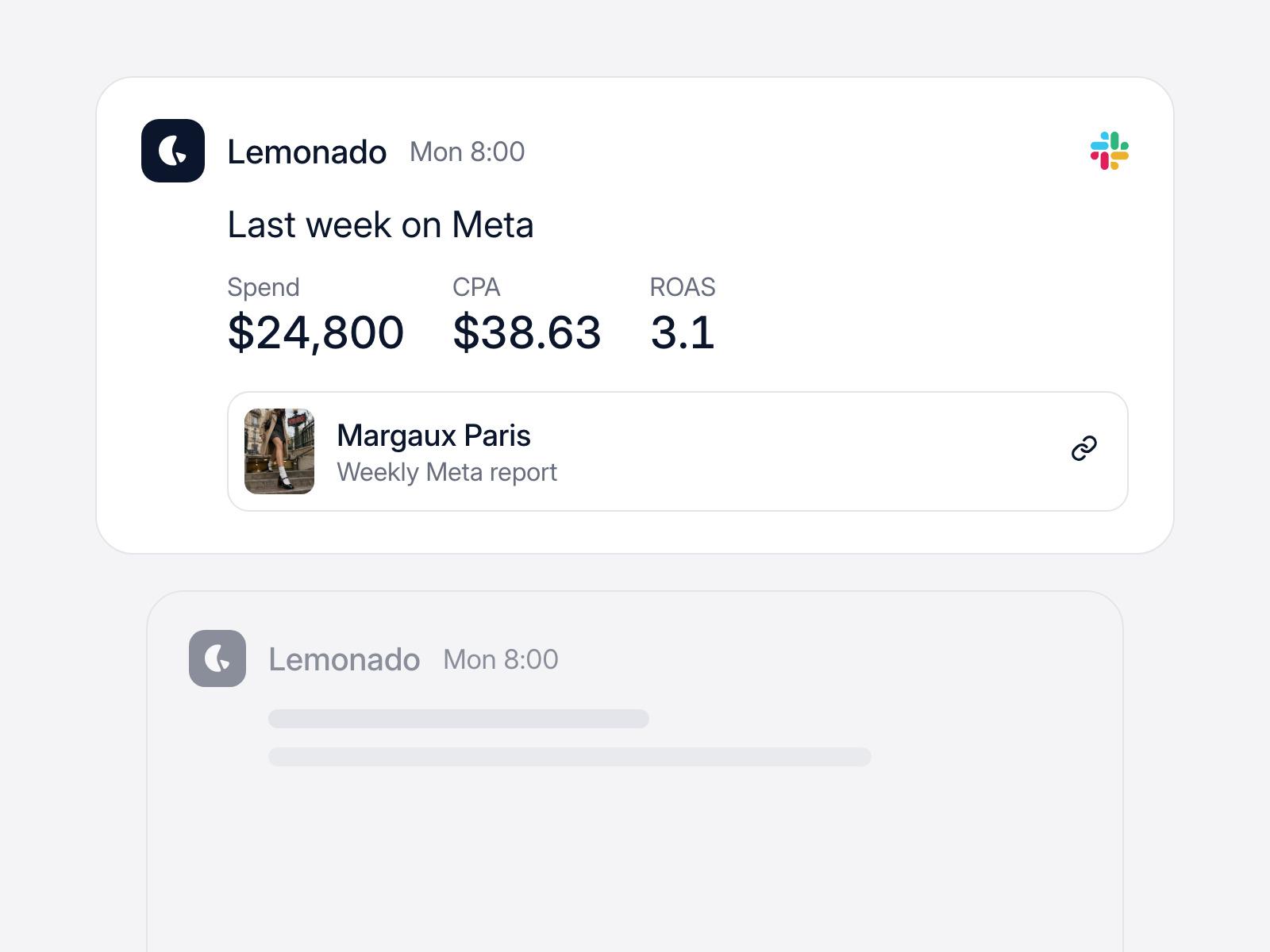
Set it up once: "Every Monday at 8am, post last week's Meta report." A Routine sends the main numbers and the report link to Slack or email.
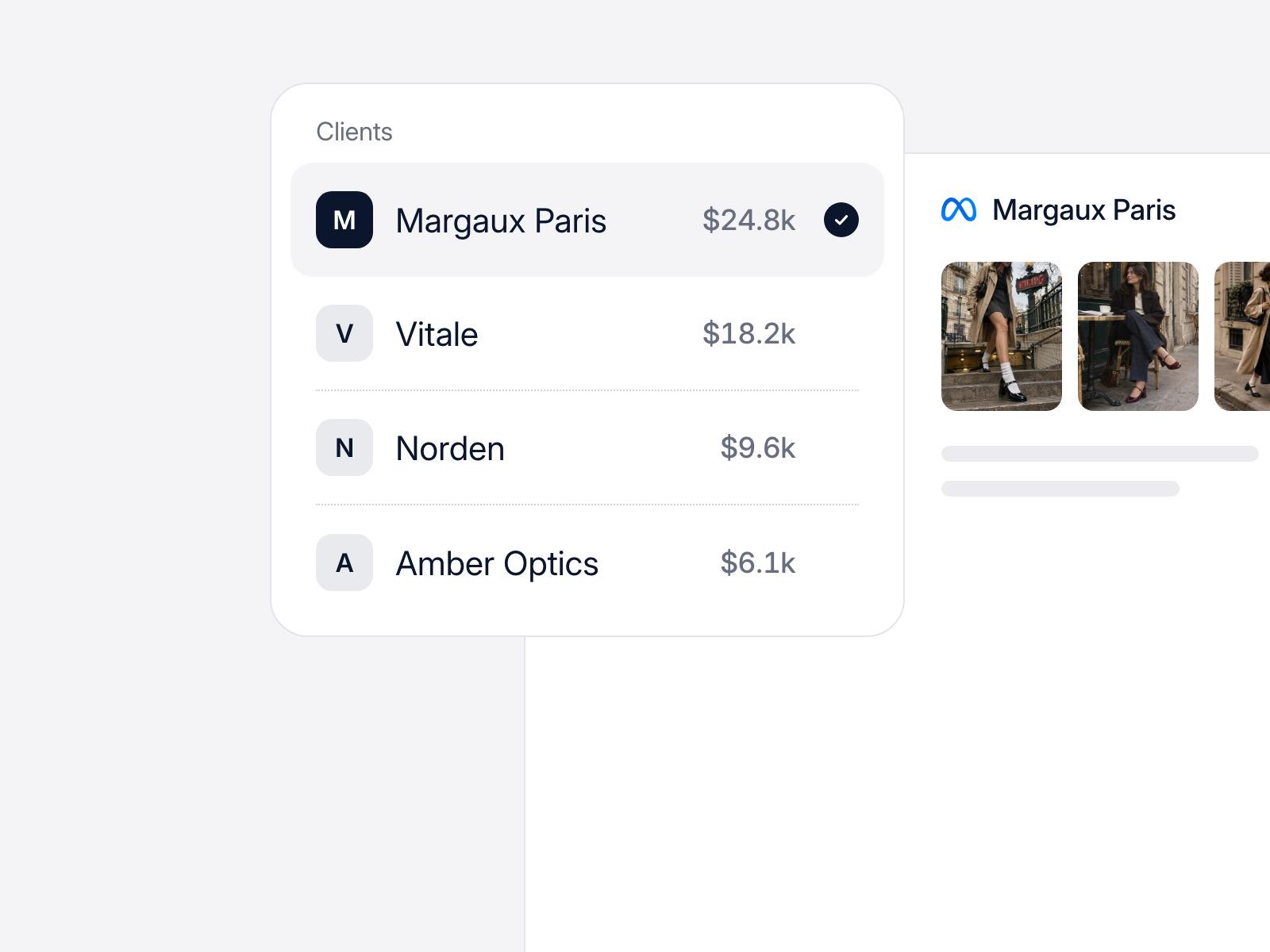
Each client gets their own space with their own Meta accounts and reports. Nothing from one client shows up in another client's report.
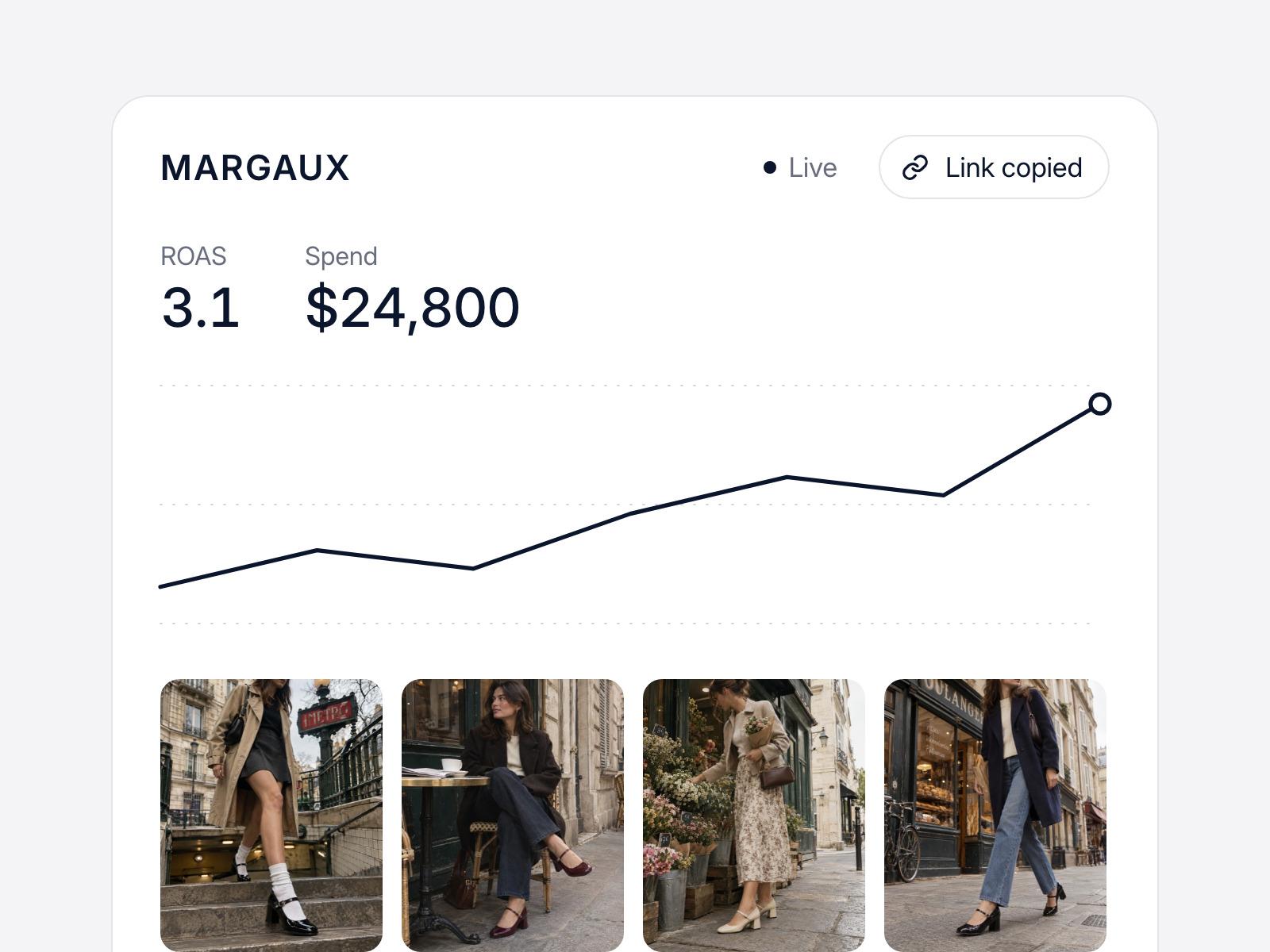
Send a link instead of a PDF. Your client opens it in the browser, and the numbers update on their own.
If a number in the report looks wrong, you can check it. Lemonado shows the rows and the search it ran.
How did Meta Ads do last week, and what drove it?
Query executed against your live data
select campaign, sum(spend) as spend,
  sum(purchase_value) / sum(spend) as roas,
  sum(spend) / sum(purchases) as cpa,
  avg(frequency) as frequency
from meta_ads
where date >= current_date - interval '7 days'
group by campaign
order by spend desc;
Source rows
Meta spent $24,800 last week at a 3.1 ROAS, up from 2.7. Most of the gain came from the Advantage+ Sales campaign, where the new UGC video became the top ad. Retargeting CPA went up 21% as frequency climbed, so that ad set is worth a look.
Each row comes from the Meta ad account you connected. Open the search behind any number and check it yourself.
Ask it something real.
Try for freeThree common ways teams use it for Meta reporting.
Each client gets their own space, their own Meta accounts, and their own report. Nothing from one client shows up in another client's report.
In-house teams get last week's Meta results in Slack on Monday morning, with the campaigns and ads that moved the numbers called out.
Add Google Ads, TikTok, LinkedIn, Pinterest, or Snapchat to the same report. You see spend and results for every channel side by side.
It's a tool that pulls your results from Meta Ads and turns them into a report you can share. Lemonado does this from a plain-language request. You describe the report, and it builds it from your live Meta data in about 2 minutes.
Connect your Meta ad account to Lemonado. Then write what you want to see, for example: "Last 7 days by campaign with spend, purchases, CPA, and ROAS, plus the top 5 ads by spend." Lemonado builds the report in Studio. You can ask it to change a chart or add a column after, the way you'd ask a person.
Start with spend, results, cost per result, and ROAS by campaign. Then add CTR, CPM, and frequency so you can see why a number moved. For video ads, hook rate and hold rate tell you if people watch past the first seconds. You can also ask for other metrics Meta reports.
Yes. Studio reports are branded, so you can send them to a client as they are, by live link or on a schedule. Each client only sees their own data.
Reports pull from Meta live and refresh on their own, so there's no weekly export. Meta credits a conversion to the day of the click or view, and with the default 7-day click window a sale can show up a few days later. So last week's numbers may still go up a little. Ads Manager works the same way.
Yes. Ask for ad-level rows in any report, with spend, CTR, CPA, ROAS, and hook rate for each ad. The report refreshes on its own, so the top ads list stays current.
Yes. Each client gets their own space with their own accounts, history, and reports. One Routine can send every client their report on Monday morning, each to the right Slack channel or inbox.
Yes. Connect them and ask for one report across channels. Lemonado connects to more than 3,000 tools, including Google Ads, TikTok, LinkedIn, Pinterest, Snapchat, Google Analytics, and Shopify.
Yes. Get $150 in credits to try it for up to 10 days. No card needed.
Shoot us an email at hello@lemonado.io.
Try for freeConnect your data to AI and free your team from reporting and busywork.
Try for free